How to use DunFlow?
This is the official DunFlow user manual provided by Famousoft. This page contains detailed instructions on how to transfer files offline using dynamic animated QR codes, zero pairing, and no network dependencies.
DunFlow User Manual
Statement
Welcome to the DunFlow User Manual! This guide will help you understand and master your air-gapped optical file transfer tool.
Privacy First: DunFlow is designed with absolute respect for your privacy. The app runs 100% locally and fully offline. There are zero cloud servers, zero ads, and no background tracking. Transfers happen strictly screen-to-camera via optical signals, leaving zero traces on external networks.
Features and interface elements may receive minor updates in future versions; please refer to the latest version of DunFlow for accuracy.
© Famousoft. All rights reserved.
Core Concepts & Optical Transfer

DunFlow bypasses traditional wireless handshakes entirely by utilizing animated QR streams across two dedicated roles:
- Sender (Display Stream): Encodes files, text, or data payloads into continuous animated QR frames rendered directly on your screen.
- Receiver (Camera Scanner): Utilizes the device camera to scan and decode streaming QR frames in real time, assembling the reconstructed file locally.
- Air-Gapped Operation: Requires no Bluetooth, no Wi-Fi, no local network permissions, and zero device pairing.
Sending Files
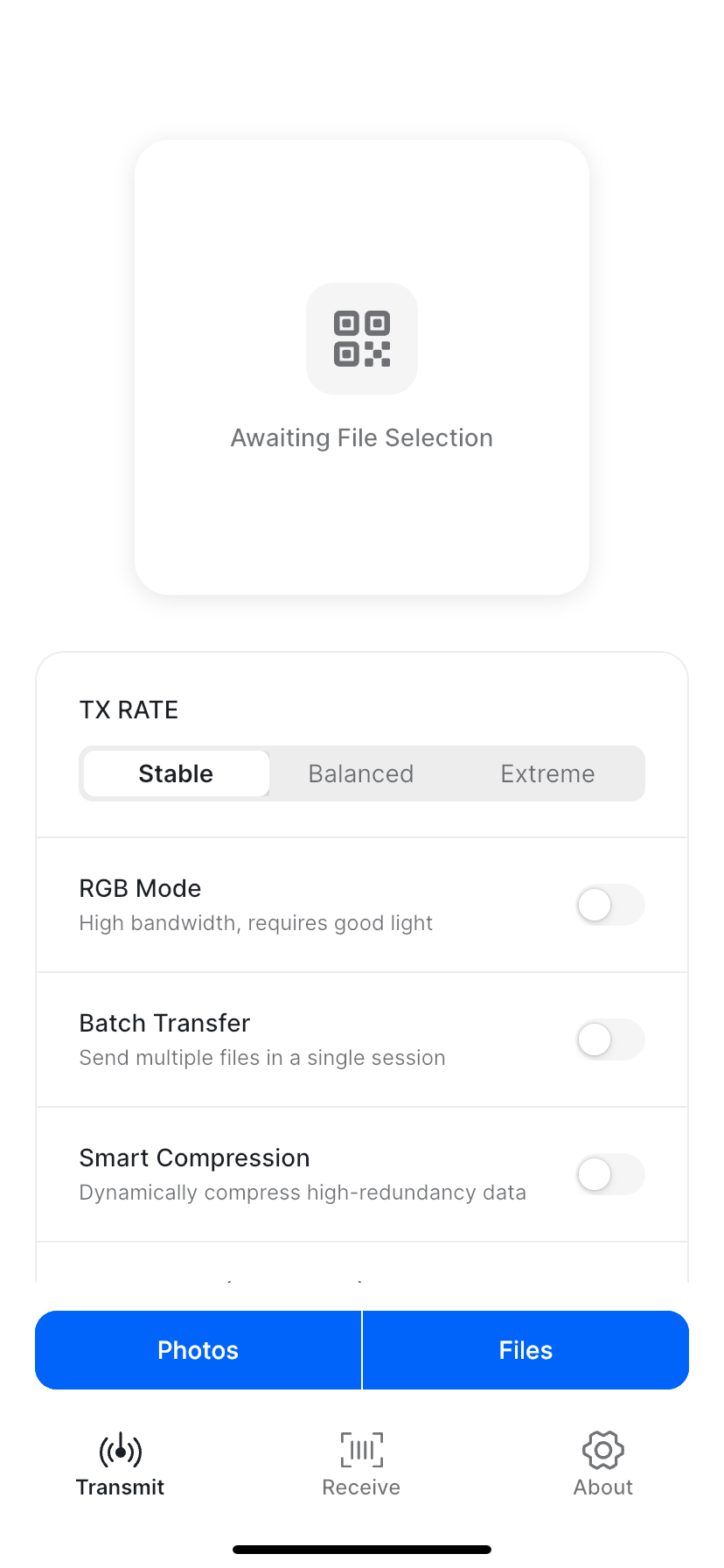
Transform files or snippets into optical streams with ease.
Select a file from your device storage or paste custom text into the sender panel. DunFlow automatically shards the data into optimized frames and begins looping the animated QR code on screen. You can adjust playback frame rate and density parameters to best match the receiving camera's scanning speed.
Receiving & Decoding
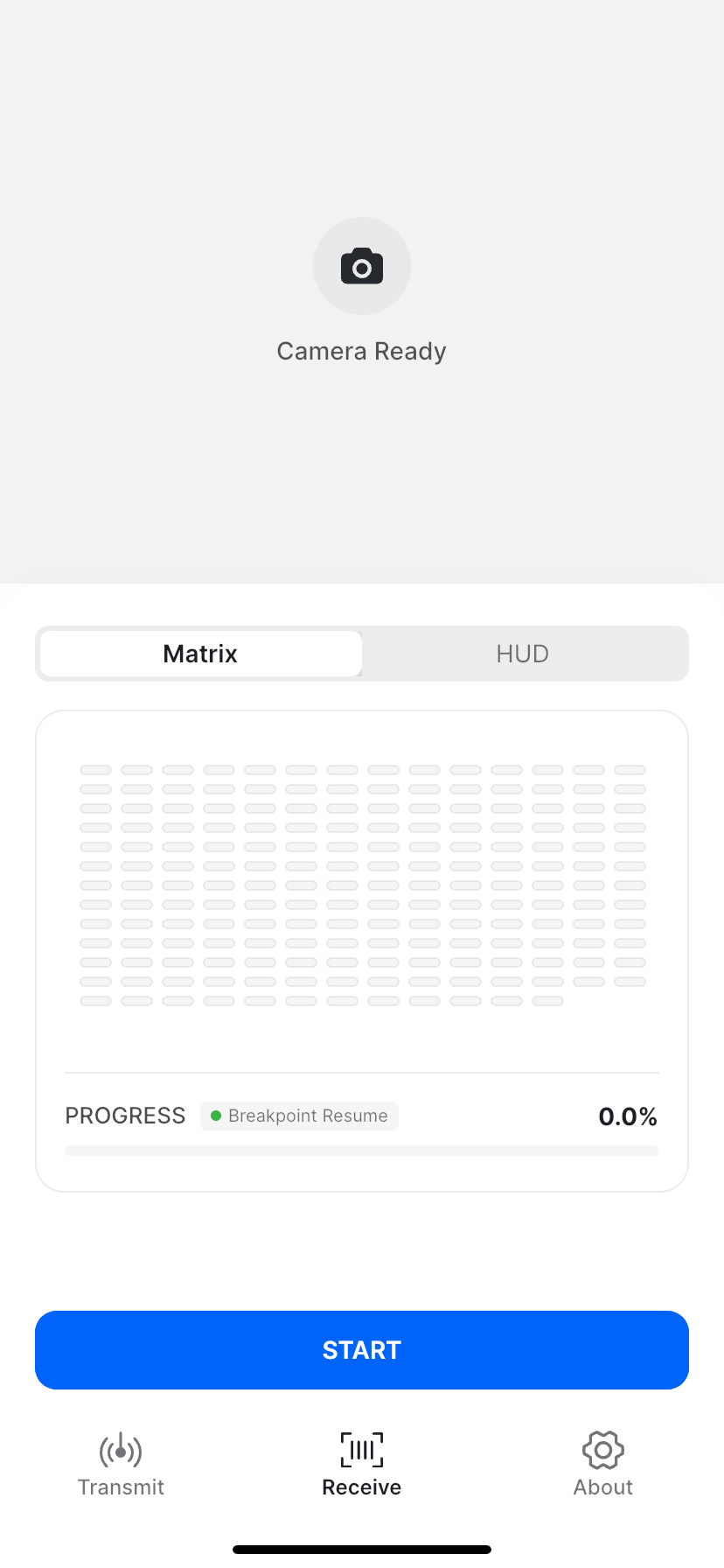
Capture and assemble incoming data directly through your camera.
Point the receiver camera at the sender's screen. DunFlow detects the frame headers, tracks packet progress in real time, and automatically reconstructs the file once all blocks are captured. Received files can be immediately previewed, copied, or exported to local storage.
Core Free & Pro Features
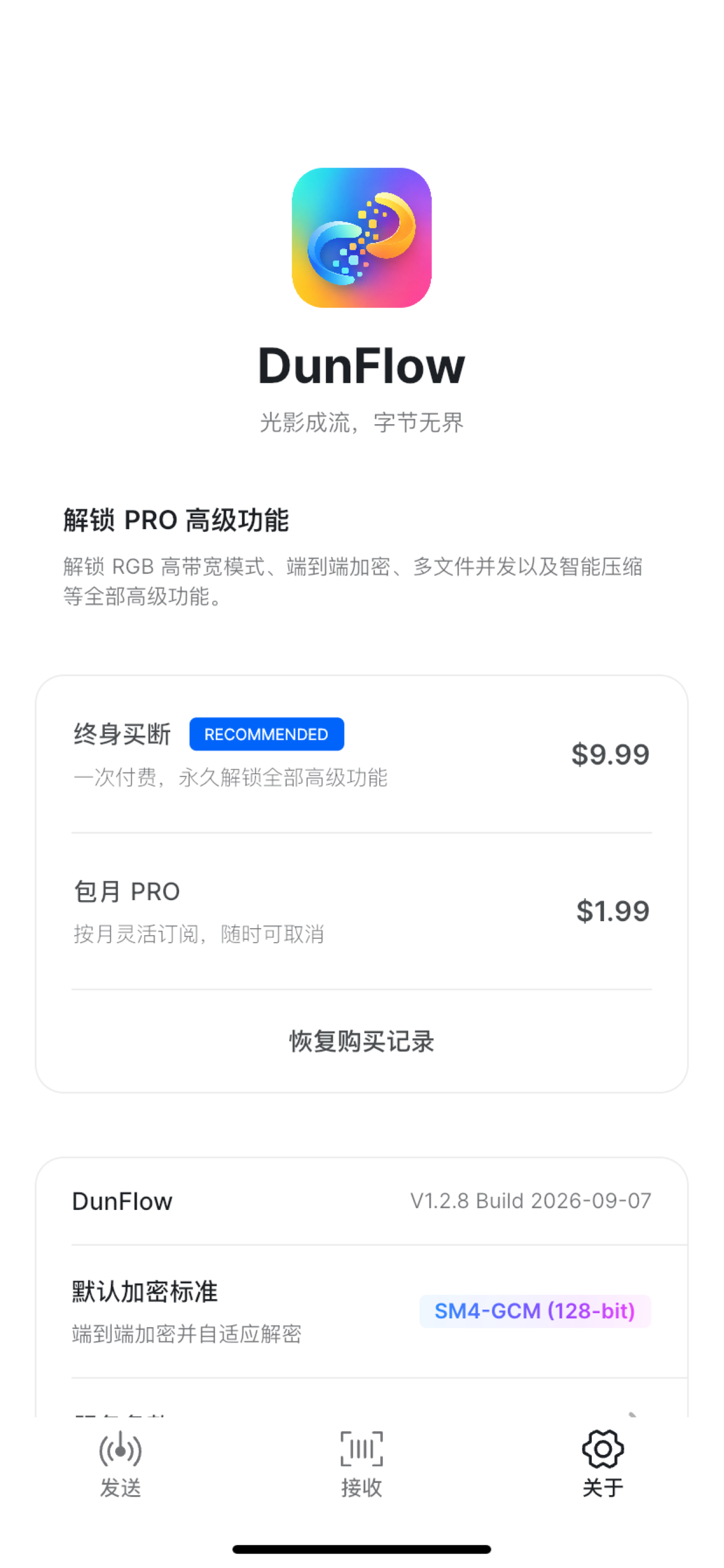
Flexible usage designed for everyone from daily users to power workflows.
All core offline file transfer features are completely free with unlimited transfer attempts and no artificial bandwidth caps. Optional Pro upgrades unlock advanced configurations such as high-density encoding profiles, custom streaming refresh rates, and enhanced workflow tools.